
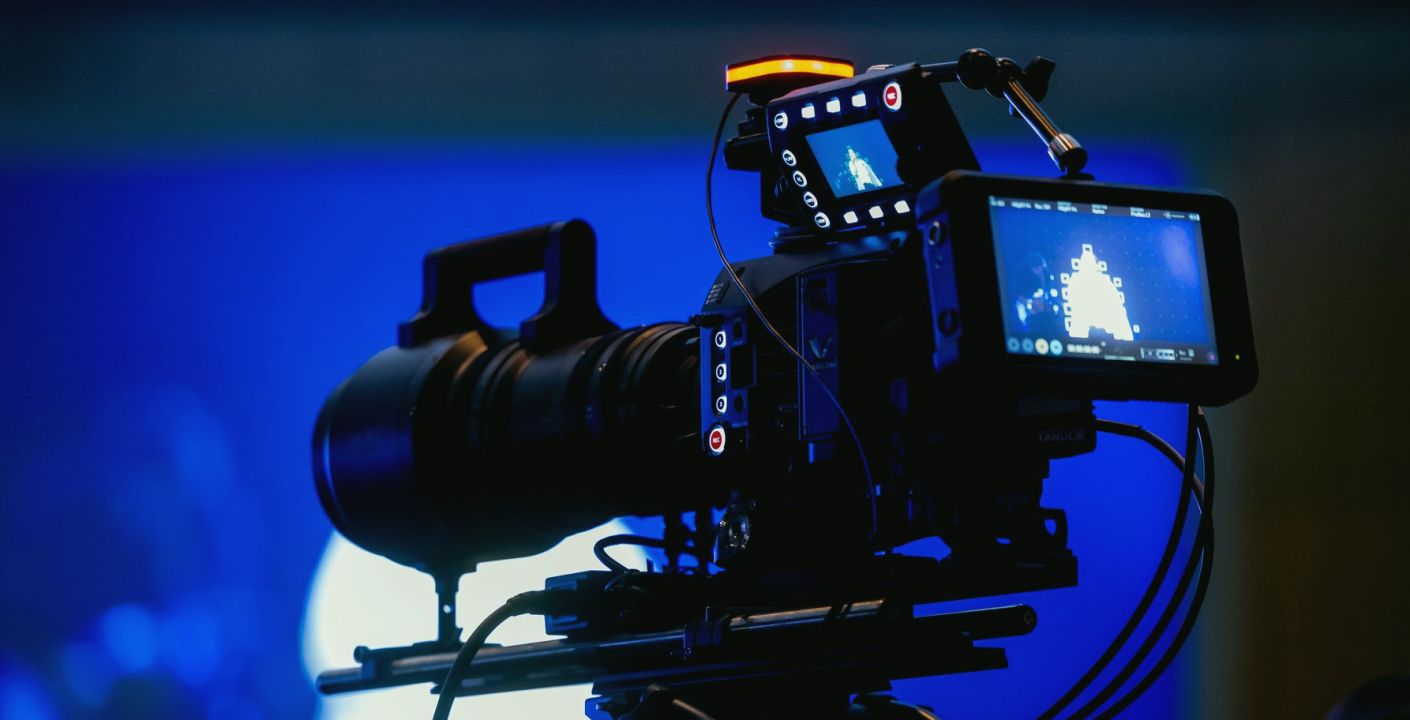
Start with the chairs, not the cameras
Before anyone wheels a pedestal into place, fix the position of the host and guest chairs. Everything else depends on them, and moving a chair later means resetting every shot. Mark the floor with tape at the chair legs, then sit two people in them and look at the distance between the faces. For a conversational interview, a gap of roughly one and a half metres between the seats suits most sets, close enough to feel natural and wide enough that both people fit a two-shot without the lens straining.
Angle the chairs slightly towards each other, about thirty degrees off parallel, instead of square to the audience. This gives the cameras a three-quarter view of each face and avoids the flat, deposition-room look of two people staring straight ahead. Check that the chairs do not swivel or rock, because a guest who turns every time they speak will drift out of a carefully framed shot. If the chairs must swivel, lock them for the rehearsal and tell the guest why.
- Tape the chair legs on the floor before placing any camera
- Keep the seats about one and a half metres apart
- Angle both chairs a little towards each other
- Use chairs that do not rock or spin freely
Positioning three cameras around a seated pair
A reliable layout puts one camera on each side, aimed across the set at the opposite person, and a third camera centred and set back for the two-shot. The side cameras give clean singles of the host and the guest, while the centre camera holds the wide shot that you cut to when either person moves or when you need a breather in the edit pace. Place the side cameras close to the line between the two chairs, so each person appears to be looking just past the lens and not out of frame.
Keep the side cameras on the same side of that line as each other's subjects, so that the host always looks left to right and the guest right to left when you cut between them. Crossing that line makes the conversation appear to jump, and viewers sense something is wrong without knowing what. Leave enough floor room behind each camera for the operator to step back and for a cable run that does not cross their path. Mark the pedestal positions with tape once the shots are agreed.
- One camera per side for singles, one centred for the wide
- Stay on one side of the line between the chairs
- Leave room behind each camera for the operator
- Tape the pedestal positions once framing is agreed
Choosing lenses for faces that look natural
Lens choice shapes how a face looks on screen more than most crews expect. Very wide focal lengths used close to the subject stretch the nose and shrink the ears, which flatters nobody. Placing the side cameras further back and using a longer focal length gives a more natural proportion and a softer background. For a standard studio zoom, aim to work in the middle of the range for singles, rather than racked fully wide with the camera pushed in close.
Set the aperture so that the face is sharp and the background falls a little soft, which separates the speakers from the set without making it look flat. Do not open the iris to compensate for weak lighting; talk to whoever is rigging the lights instead, because a wide-open lens gives a very shallow focus where a guest leaning forward drifts out of sharpness. If you have a longer lens on the centre camera, use it for the two-shot from further back, which keeps both faces at a similar scale and avoids exaggerating whoever sits nearer.
- Avoid wide lenses pushed close to a face
- Work mid-range on the zoom for singles
- Keep depth of field forgiving for leaning guests
- Ask for more light rather than opening the iris
Framing, headroom and the eyeline
Agree a framing standard with all three operators before the guest arrives. For a medium close-up, place the eyes roughly a third of the way down the frame, leave a modest amount of headroom, and let the cut-off fall at the chest or just below it. Avoid cutting at the neck or the joints, such as the wrist or elbow. Give a little extra space in the direction the person is facing, often called looking room, so that they do not seem pressed against the edge of the picture.
Keep the eyeline consistent. The host should look at the guest, not at the camera, and the side cameras should sit close enough to that line that the viewer feels the conversation. Tell the host where the monitor or the prompter is, if there is one, so that a glance down is not mistaken for disengagement. When all three operators frame to the same standard, the vision mixer can cut between them without the head sizes jumping, and the programme looks as if it were shot by one pair of eyes.
- Place eyes about a third down the frame
- Cut at the chest, never at the neck or wrist
- Leave looking room in the direction of the gaze
- Brief the host on where any monitor sits
Briefing operators and running the rehearsal
Write the shot list on a single sheet and give each operator their own line: camera one is the host single, camera two the guest single, camera three the wide and the two-shot. Add a note on what each should do if the guest moves, for example, to hold the frame and let the director decide. Operators work better when they know what they are meant to keep steady and what they are free to adjust, and a short written brief means less talkback during the rehearsal.
Run the first rehearsal with stand-ins sitting in for the real people, ideally at similar heights, because a tall guest and a short host change headroom and eyeline considerably. Check focus at the two extremes of how far each person might lean. Ask the stand-ins to talk naturally for a couple of minutes so the operators can practise small reframes. Then replace them with the real participants and only adjust what has actually changed, preferably by a few centimetres of pedestal height instead of a full re-frame.
- Give each operator one line on a shared shot sheet
- Say what to hold and what is free to adjust
- Rehearse with stand-ins of similar height
- Re-check focus at the extremes of leaning
Small checks that save the live hour
Once the shots are agreed, walk the set one more time with the cameras in their final position. Check that every cable has slack for a pedestal move, that lens caps and hoods are on the right camera, and that the tally lights are visible to the people who need to see them. Confirm that the teleprompter, if there is one, sits in the line of the host's lens and not off to one side where it pulls the eyes away.
Keep a short list taped to the pedestal of each camera with the agreed height and the marks on the floor. In mid autumn, studios often cool down after the heating switches off overnight, so give the crew time to warm up before the live hour, since cold hands make for jerky pans. Finally, agree a single word the director will use to call a reframe, so that in the middle of a conversation there is no confusion about who should move.
- Check cable slack for every pedestal move
- Confirm tally lights are visible to operators
- Tape the agreed height and marks to each camera
- Agree one word for calling a reframe
A tidy interview set comes from deciding the same few things in the same order: chairs first, then camera positions, then lenses, then framing, then the brief. None of it is complicated, but each step is easy to skip when time is short. If you set the shots down on paper and rehearse with stand-ins, the live hour becomes a repeat of something the crew has already done, and the guest sees a calm room.